Welcome to the Media Lab
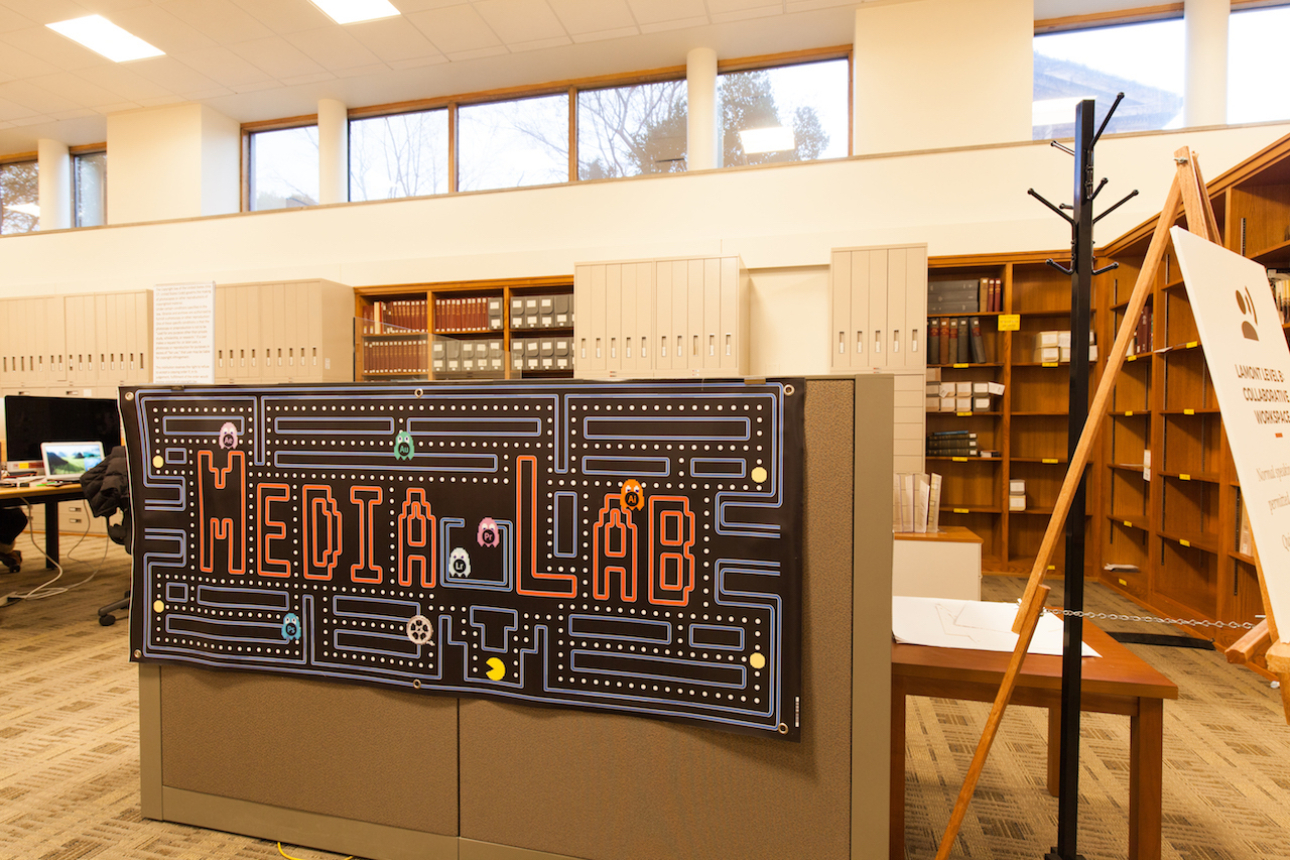
Located on B-Level of Lamont Library in the main reading room, the Media Lab has everything you need for media creation, editing and production. In the lab you can:
Create Media
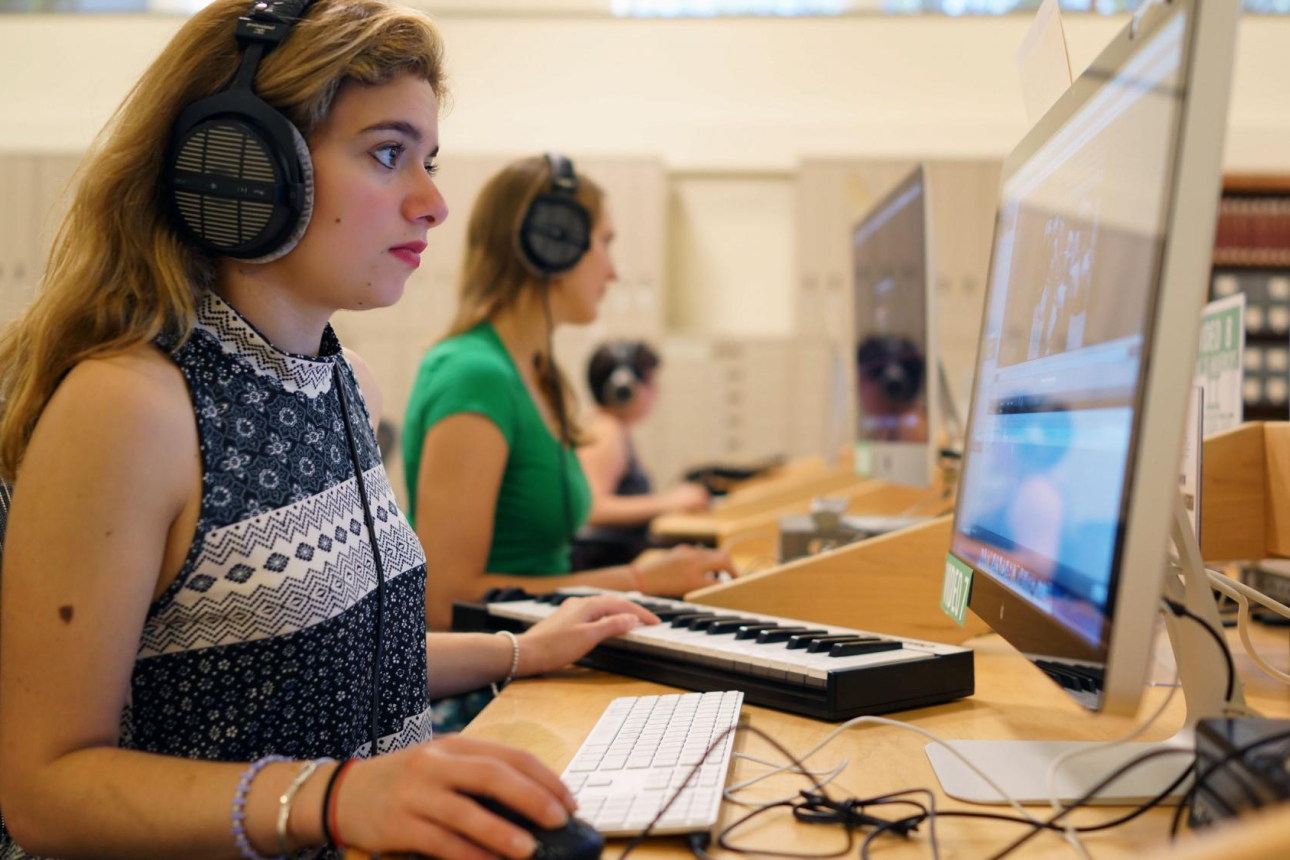
- Music: Use USB midi keyboards and music notation software to create music
- Visual media: Make videos, animations, visualizations, photos, posters, and more
- Big screens: Use our external monitors with your own machines
Import and Export Media
- Audio: CDs, LP/records, cassette tapes
- Video: DVD, VHS, camera footage
- Visuals: Photos, slides, filmstrips, and positives/negatives
- Burn: CDs/DVDs/Blu-ray
Services We Offer
Drop by during our help hours and one of our student media consultants can show you how to use our equipment or software, or help you with your own machine. We also offer:
- Consultations: A consultation is the best way to get personalized help with a project or get more in-depth questions answered.
- Workshops & Classes: We regularly hold custom workshops for groups of three or more. Email us with your topic of interest and we'll start the planning process.
- Email Help: Have a quick question like: "How do you do that in Photoshop?" Send us an email and we'll get back to you with possible solutions.
Equipment & Software
We have equipment and software that you can borrow or use in the lab — and we'll be happy to show you how to use it. Just ask us. You can also suggest new equipment you think the Media Lab should purchase next.
Here's a look at the specialized software available on Media Lab computers in Lamont Library:
Media Lab Video & Audio Stations
The following software is available on the Video & Audio stations in the Media Lab.
- Adobe 2021 Creative Cloud suite
- Apple Final Cut Pro (LAM-MEDIA 1 & 2 only)
- Apple Motion (LAM-MEDIA 1 & 2 only)
- Apple Logic Pro (LAM-MEDIA 11 only)
- Audacity
- AutoCad
- Blender
- DaVinci Resolve
- Express Scribe
- Final Cut Pro
- HandBrake
- Maya
- Motion
- MuseScore — LAM-MEDIA-11 station only
- NVivo
- QGIS+
- R
- Reaper DAW with Focusrite Scarlett 18i/8 interface — LAM-MEDIA-11 station only
- RStudio
- Sketch
- Sketchup
- StataMP
- ScreenFlow
- Tableau
- Unity
Media Lab Data & Data Visualization Stations
The following software is available on the Data & Data Visualization stations in the Media Lab.
- Adobe 2021 creative cloud suite
- NVivo
- Tableau
- OpenRefine
- Gephi
- Cytoscape
- Elgato Video Capture (LAMRS-MP10(2) only)
- LIWC 2015 & 2022 (LAMRS-MP13 & 14 only)
- LIWC 2015 — MP13 and MP14 stations only
Media Lab Annex
The Media Lab Annex, Room 310 on the 3rd floor of Lamont Library, has Mac and Windows operating systems. Here's what software is available:
Mac
- Adobe 2021 Creative Cloud suite
- Audacity
- AutoCad
- Maya
- EndNote X7/X8/X9
- Final Cut Pro
- HandBrake
- iMovie
- Microsoft Office
- NVivo
- QLab
- SketchUp
- Tableau
- Unity
- MS Visual Studio
Windows
- Aeon Client
- Autodesk 3ds Max
- Autodesk Revit
- IronPython 2.7
- Microsoft Office
- NVivo
- OCLC Connexion
- Zotero
Work with Us
Interested in working at the Media Lab? We offer flexible hours for students throughout the year, including the summer. Day and evening shifts typically run 1.5 to 3 hours.
We look for candidates with some experience making media and an interest in learning more. We tend to hire toward the beginning of each semester: spring, fall, and summer.