Get Free Access to Articles — And So Much More!
From articles to news sites, ebooks to collaboration software, Harvard Library has paid for your access to hundreds of useful websites and tools. Before you pay for something, it's a good idea to check what kind of access the Library offers.
When it comes to articles, we offer tools to quickly check if you have free online access via your HarvardKey. Each tool has features that you may find helpful at different times. Find the one that's right for you.
-
Install the Lean Library or LibKey Nomad extension to automate access
-
Get one-click access with this browser bookmark
-
Connect Google Scholar to your Harvard Library access
-
Browse and read scholarly journals on your computer, phone, or tablet
Which Library Is Right for Me?
Libraries belong to you. Your Harvard ID gets you access to all the libraries on campus. Need to snack while you study? Choose Cabot. Prefer silence? Visit Widener. Reading for fun? Browse the leisure reading collection in Lamont's Farnsworth Room. Digging into primary sources? Consider Houghton.
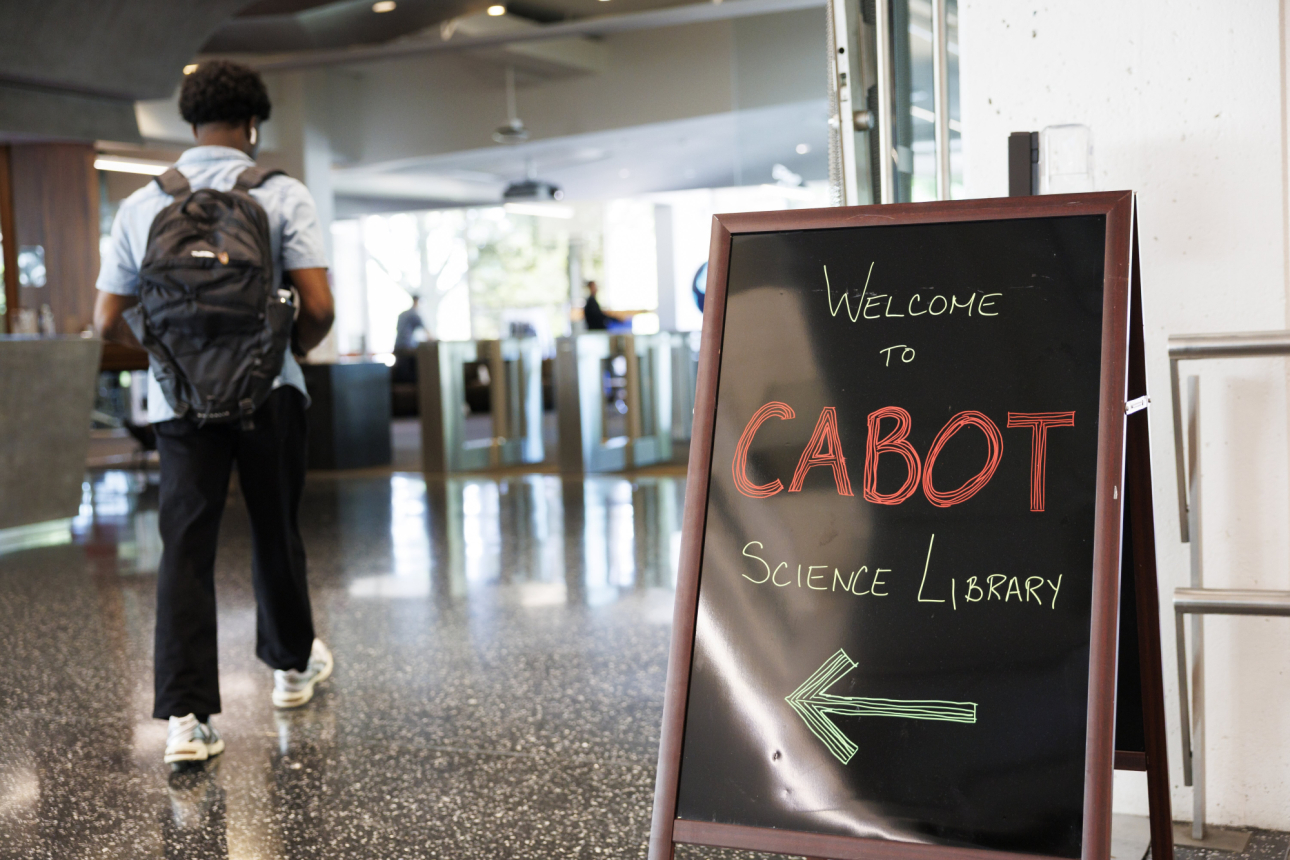
Discover Our Libraries
Browse the full list of library locations across campus and beyond.

Find a Study Space
Explore library spaces by noise level, seating, and other features to find the right space for you.

Take a Tour
Get an introduction to library services, spaces, and history.
Use Harvard Library Collections
Harvard’s libraries include circulating collections, with study space, browsable shelves, and materials available to borrow; as well as special collections and archives, where rare and unique materials can be viewed during scheduled visits.
-
Renowned for their global reach and depth, Harvard Library’s collections span all disciplines and more than 460 languages.
-
Learn all about getting your hands on the library materials you need.
-
Understand the process of finding and requesting special collections materials.
-
Visit the shelf for fast access or to browse for related items.
Get Access to Local Public Libraries
Public libraries are free to all. They’re often your best resource for popular magazines and leisure reading, with lots of formats to choose from and staff who can suggest books based on your interests. Visit your local library for events, spaces for children, and other community resources. Some public libraries, including Boston Public Library’s Central Library, also have great research collections.
-
Residents of Cambridge and many other nearby towns can make use of this local public library network.
-
All Massachusetts residents are eligible for a Boston Public Library card.
Get Expert Help
You’re not supposed to do your research alone. Harvard librarians are specialized by subject, and many academic programs have a dedicated library liaison. You can meet with a librarian to talk about defining your research topic, choosing the best sources, or troubleshooting any aspect of your research.
Questions Your Librarian Might Ask
- How big is this project? Is it a course assignment? How much time do you have to work on it?
- How is it going so far? What have you already found?
- What are you trying to accomplish next? Where are your points of confusion or frustration?
Questions to Ask Your Librarian
- What's a good way to refine my topic?
- How can I tell which sources will be most useful for this project?
- What tool for formatting citations and organizing PDFs best fits my needs?
- Do I need copyright permission for the material I want to reuse?

Make the Most of HOLLIS
HOLLIS is the Harvard Library catalog. It searches most library resources in a single unified search, including books, articles, media and more. HOLLIS also manages your library loans. You can log in to renew items and check due dates.
Sign In
Signing in to HOLLIS with your HarvardKey allows you to:
- See articles that are otherwise hidden
- Make requests for materials through Scan & Deliver, Request Pickup, and more
- Save favorites
Use Key Terms
Enter words, not sentences. Use words that are unique to your topic — words that are used only in the material you’re interested in, not elsewhere.
Adjust your search by adding or removing words. Fewer, more specific key terms often get the best results.
Connect to a Subject
Specify the research areas connected to your topic, e.g. “civil war” AND education, or “civil war” AND medical.
Focus Your Search
Add terms that will narrow your search to specific kinds of sources, such as:
Genre: biography, history, criticism
Example search: slam poetry criticism or marie curie biography
Format or type: statistics, interviews, correspondence, handbook, anthology
Example search: slam poetry anthologies
Region: Latin America, Middle East, Rural, Urban, France
Example search: "health care" AND europe AND rural
Time period: 18th century, medieval, contemporary
Example search: clothing dress ancient
Filter Your Search
HOLLIS’s filters are another great way to focus your search. Some good options to try include:
Date: published or created between
Show only: Peer-reviewed articles
Resource type: Reference entries, Books, book chapters
Language: English
Try Search Operators
Search operators are special commands you can use to create more precise and complex searches. Most search systems offer search operators, though the symbols or commands may vary.
HOLLIS uses AND, NOT, OR, “”, and *
FAQs and Tutorials
To learn more about making the most of HOLLIS, browse our HOLLIS FAQs and watch our series of 1-minute HOLLIS explainer videos.
What’s Better Than Google and Faster Than HOLLIS? Databases.
The right tool for your project may be a specialized search engine, also known as a database. Databases are subject-specific or format-specific search tools. You might know JSTOR or Academic Search Premier, but there are hundreds more.
When and Why to Use a Database
- Find things that you might not see in HOLLIS or an AI chatbot
- Results are focused, relevant, and trustworthy
- More specialized search options, like specific filters
Not sure where to start? Librarians can help you find a good database for your specific research needs. Explore research advice by subject or ask us!